PowerPoint Pyramid Template for Frameworks
Use 12 PowerPoint pyramid layouts to explain strategy, priorities, capability maturity, organizational levels, performance, and staged growth.
Preview the 12-slide PowerPoint Pyramid Template
Inspect the full pyramid toolkit, including framework overview, strategic layers, capability maturity, role hierarchy, performance logic, and next-step summary.
What you're getting
A pyramid toolkit for ideas with a real hierarchy
This 12-slide PowerPoint template offers layered, stepped, and hierarchical pyramid layouts for strategy, priorities, capabilities, organizational roles, performance, and growth paths. Supporting titles keep the visual from becoming a decorative triangle.
Use a pyramid only when levels have a meaningful order, dependency, scale, or progression. Replace the sample labels with parallel concepts, explain the direction of the hierarchy, and choose another visual if relationships are not actually layered.
- Included
- 12 framework slides
- Best for
- Hierarchy and maturity models
- Export
- Editable PowerPoint
Built for
Strategy teams explaining priorities
Leaders showing how foundations, capabilities, choices, and outcomes reinforce one another.
People teams describing role levels
Groups clarifying responsibility, scope, capability, progression, or organizational layers.
Operations teams presenting maturity
Practitioners communicating staged development, performance tiers, controls, or improvement levels.
Getting started
Make the hierarchy explicit before drawing the pyramid
Decide what the base, top, level order, width, and direction mean so the visual does not imply relationships accidentally.
- 1
State the conclusion
Write what the audience should understand about the hierarchy, sequence, or dependency.
- 2
Define the levels
Use mutually distinct, parallel labels with a clear rule for what belongs at each level.
- 3
Choose the visual logic
Decide whether width represents volume, importance, population, effort, or nothing at all.
- 4
Add only essential detail
Keep the pyramid readable and move examples, measures, owners, or definitions beside it or into notes.
- 5
Validate interpretation
Test the slide with someone unfamiliar and correct any unintended message about rank, value, or progression.
Explore more
Related templates worth comparing
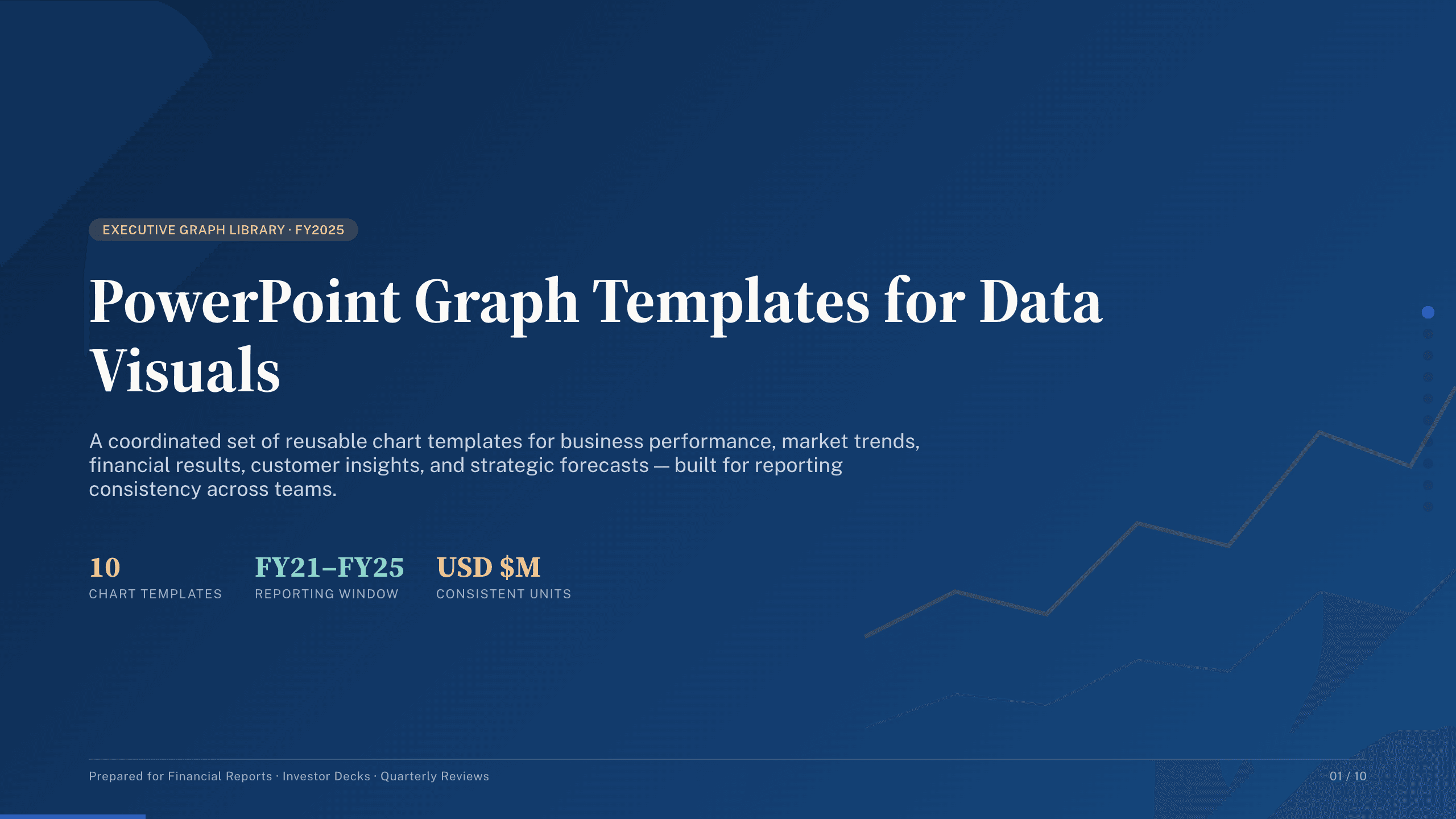
PowerPoint Graph Templates
Inspect a 10-slide featured example and find a starting point for data visuals.
Browse collection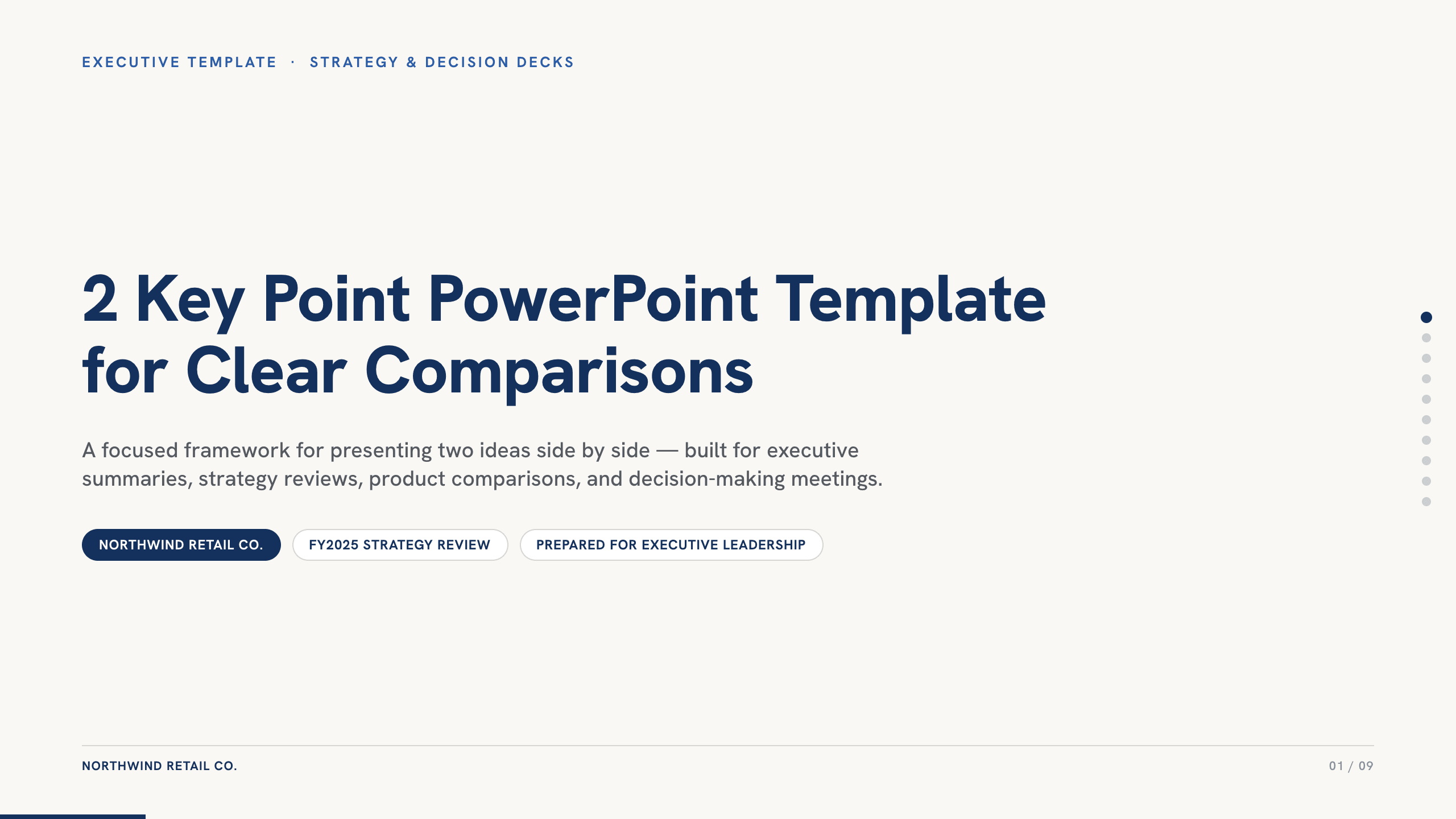
2 Key Point PowerPoint Template
Present two essential ideas with 10 PowerPoint layouts for priorities, paths, comparisons, risks, findings, scenarios, decisions, and executive recommendations.
View template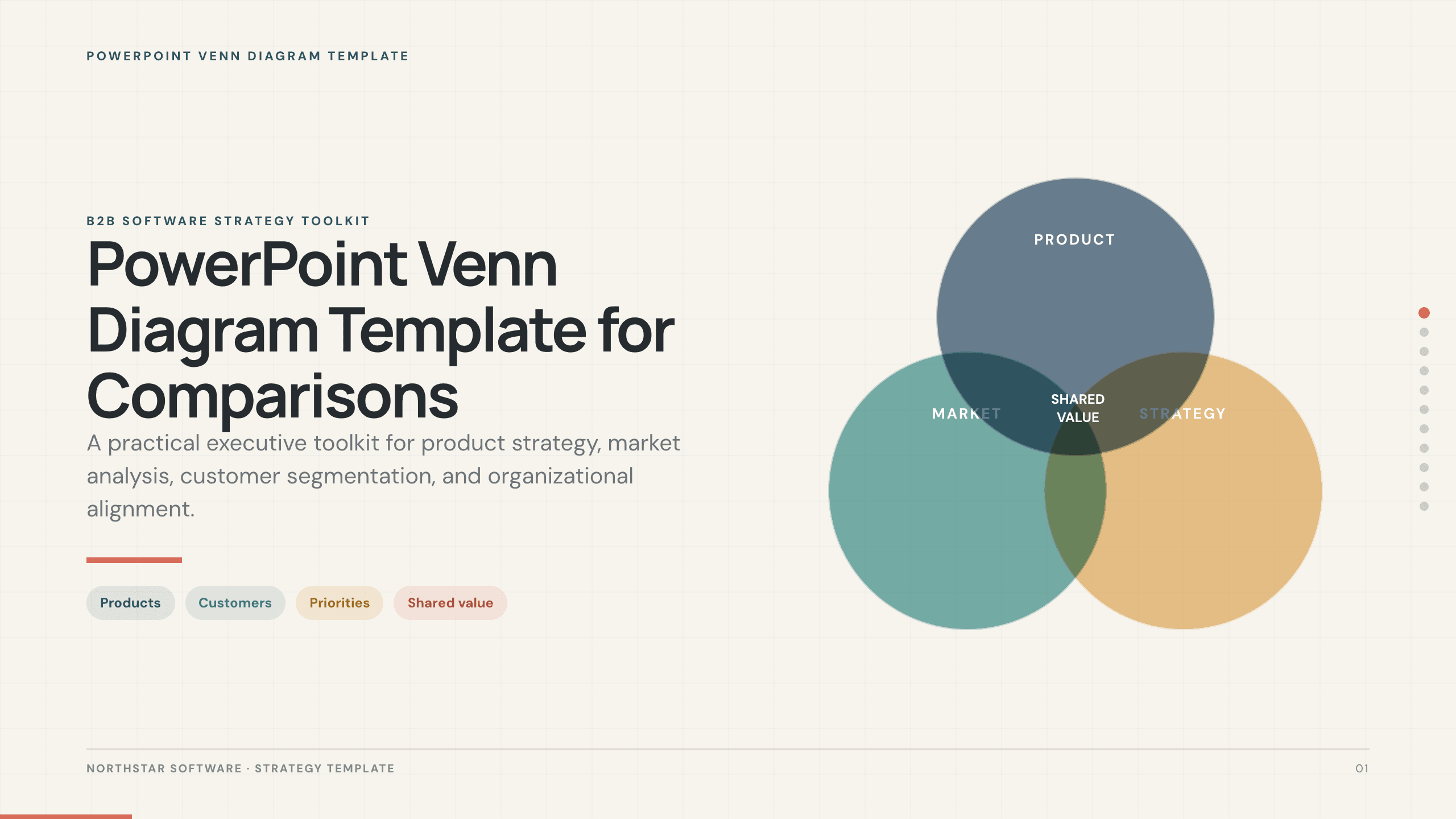
PowerPoint Venn Diagram Template
Use 11 PowerPoint Venn diagram slides to compare markets, products, audiences, capabilities, responsibilities, and strategic intersections.
View template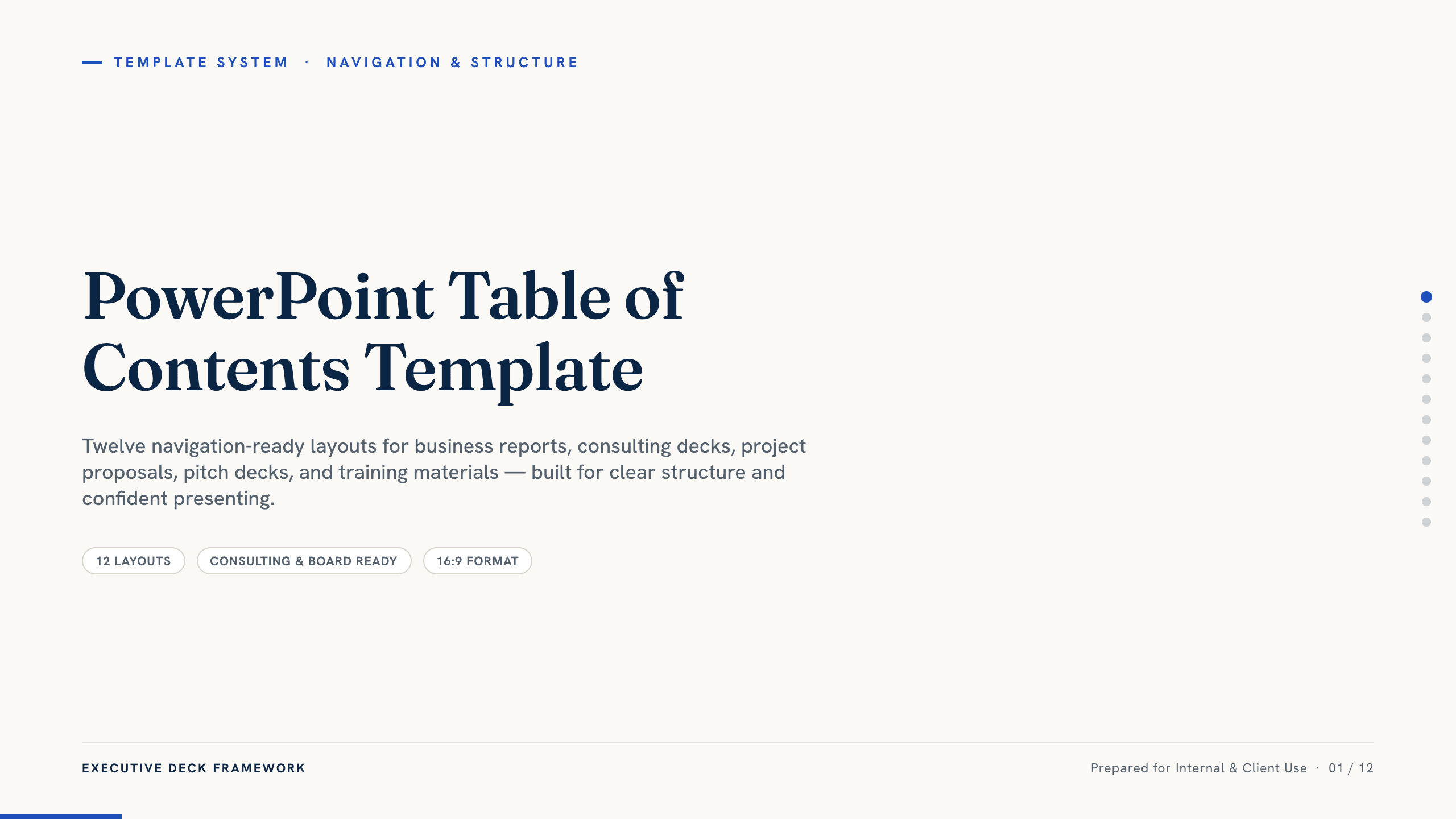
PowerPoint Table of Contents Template
Choose from 12 PowerPoint table-of-contents layouts for reports, proposals, consulting decks, training, projects, and presentations that need clear navigation.
View template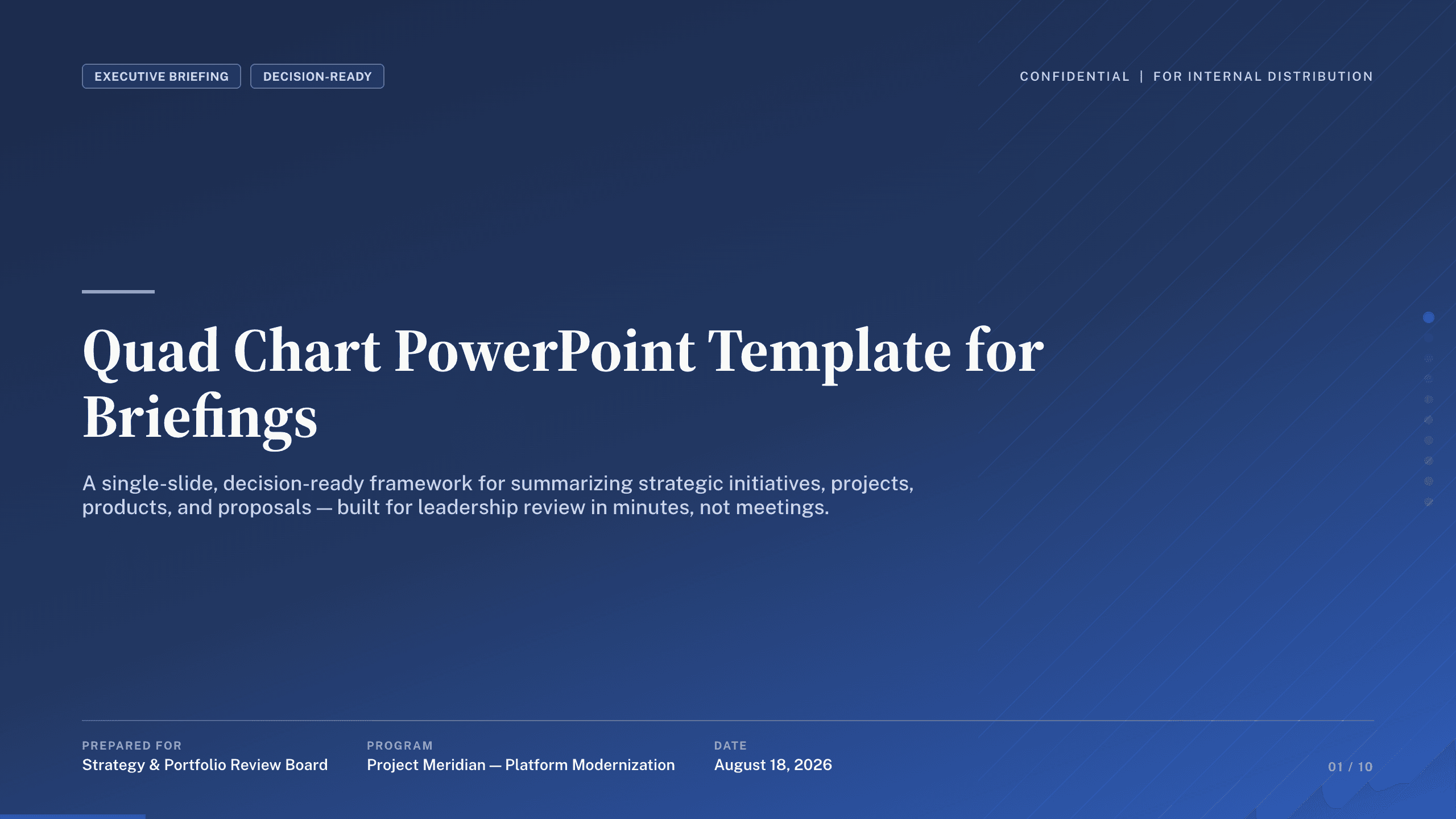
Quad Chart PowerPoint Template
Summarize an initiative in 10 PowerPoint quad charts covering objective, status, approach, milestones, budget, risks, recommendation, and decisions.
View template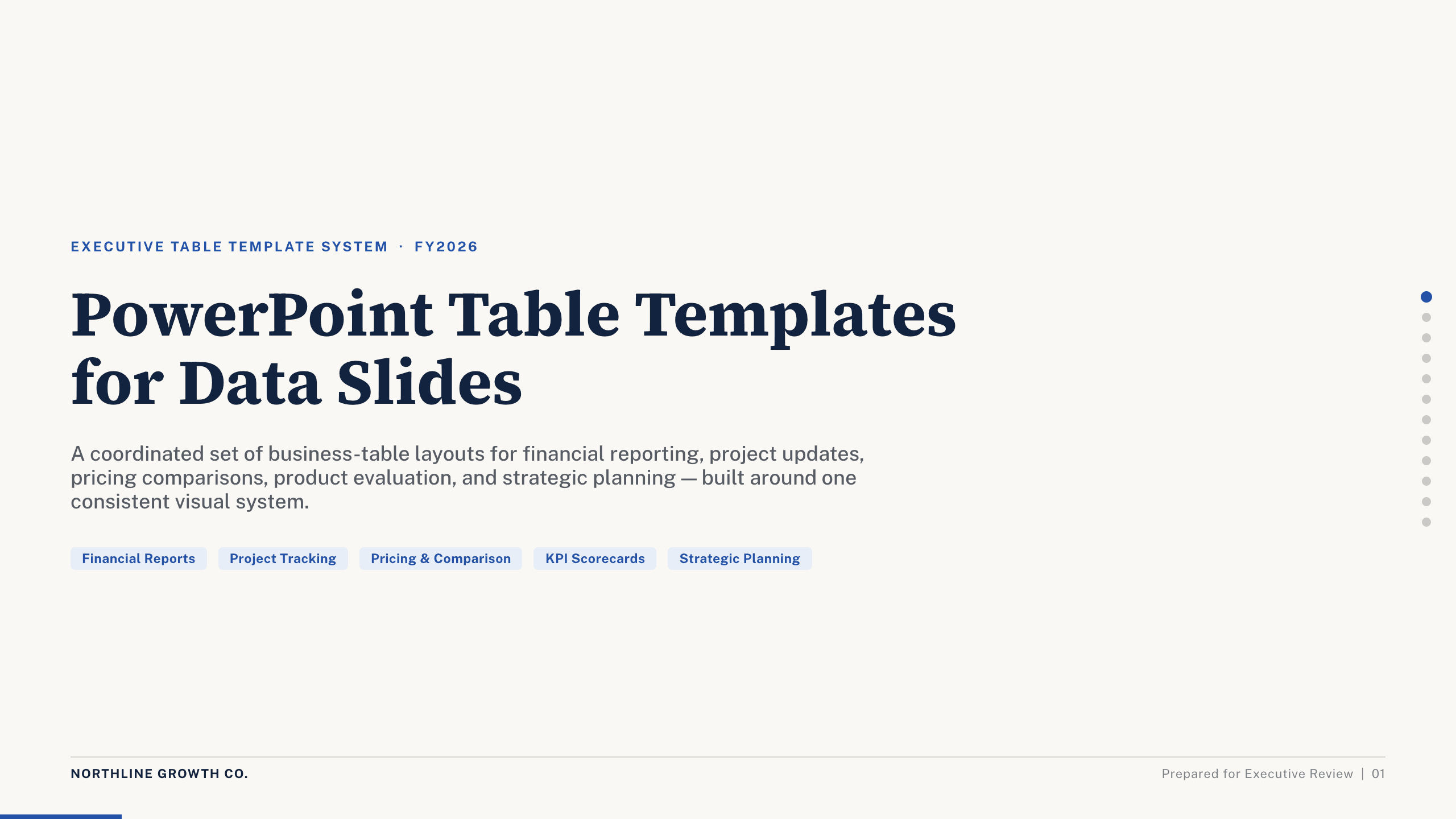
PowerPoint Table Templates
Inspect a 12-slide featured example and find a starting point for data slides.
Browse collectionExplore other template hubs
Customize the PowerPoint Pyramid Template with Julius AI
1
Preview the complete example
Inspect all 12 slides to understand the narrative, layouts, and level of detail before replacing the example content.
2
Add your content and direction
Give Julius AI your source material, evidence, audience, constraints, and desired outcome.
3
Review and export
Check the narrative, facts, and design, then export an editable version to PowerPoint for final delivery.