2 Key Point PowerPoint Template for Clear Comparisons
Present two essential ideas with 10 PowerPoint layouts for priorities, paths, comparisons, risks, findings, scenarios, decisions, and executive recommendations.
Preview the 10-slide 2 Key Point PowerPoint Template
Inspect the complete two-point toolkit, from board summary and competing priorities through strategic paths, capacity options, evidence, and final approval recommendation.
What you're getting
A two-point framework that forces executive focus
This 10-slide PowerPoint template offers multiple ways to present two ideas side by side or in sequence. It supports priorities, findings, paths, scenarios, risks, options, decisions, and recommendations while keeping the audience focused on the central contrast.
The worked fulfillment decision shows how two points can build to an action instead of becoming decorative columns. Replace the evidence, keep the categories parallel, and use a different layout when the choice genuinely has more than two dimensions.
- Included
- 10 two-point layouts
- Best for
- Executive comparisons
- Export
- Editable PowerPoint
Built for
Executives summarizing a decision
Leaders presenting the two facts, risks, priorities, or options the audience must hold together.
Strategy teams comparing paths
Groups contrasting approaches with consistent evidence, trade-offs, economics, and conditions.
Project teams reporting two priorities
Owners showing current status, next action, dependency, and support needed for each focus area.
Getting started
Use two points only when the reduction clarifies the decision
Write both headings as parallel conclusions and make the relationship, contrast, sequence, or combination, explicit.
- 1
Define the central question
State the decision or takeaway that makes these two points more important than everything else.
- 2
Choose parallel categories
Compare like with like using consistent scope, period, evidence, units, and level of detail.
- 3
Select the relationship
Decide whether the points oppose, reinforce, sequence, or jointly explain the outcome.
- 4
Balance the evidence
Give each side enough proof and trade-off context without shrinking copy to fit.
- 5
Close with the implication
State the recommendation, owner, action, timing, or condition that follows from considering both points.
Explore more
Related templates worth comparing
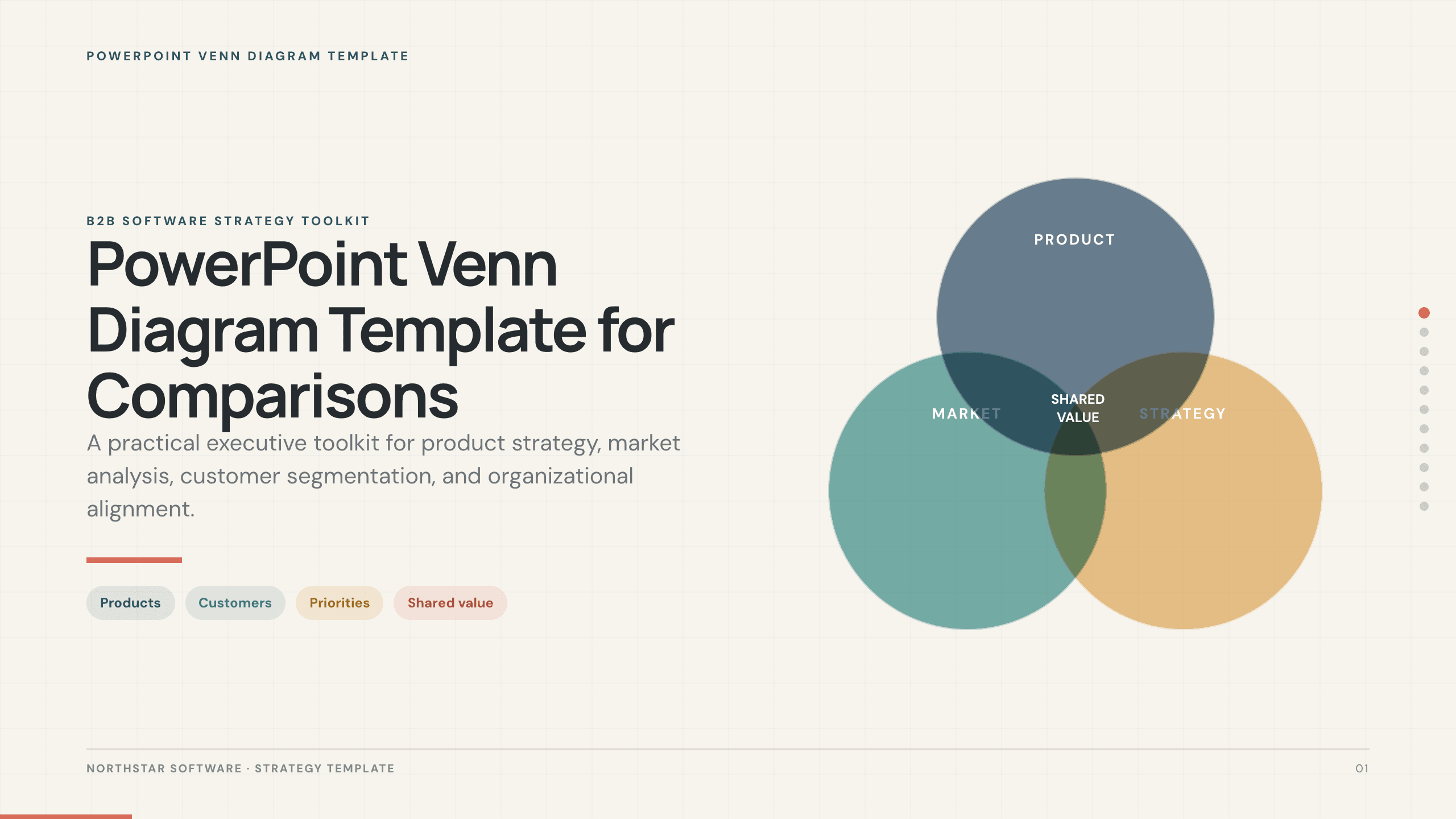
PowerPoint Venn Diagram Template
Use 11 PowerPoint Venn diagram slides to compare markets, products, audiences, capabilities, responsibilities, and strategic intersections.
View template
Comparison Slide Template
Make a defensible choice with 10 comparison slides for requirements, capabilities, pricing, implementation, trade-offs, scoring, and recommendation.
View template
2 Picture Slide Template
Use nine two-picture slide layouts for clear before-and-after, option, person, place, product, portfolio, and process comparisons with minimal supporting copy.
View template
PowerPoint Pyramid Template
Use 12 PowerPoint pyramid layouts to explain strategy, priorities, capability maturity, organizational levels, performance, and staged growth.
View template
PowerPoint Graph Templates
Inspect a 10-slide featured example and find a starting point for data visuals.
Browse collection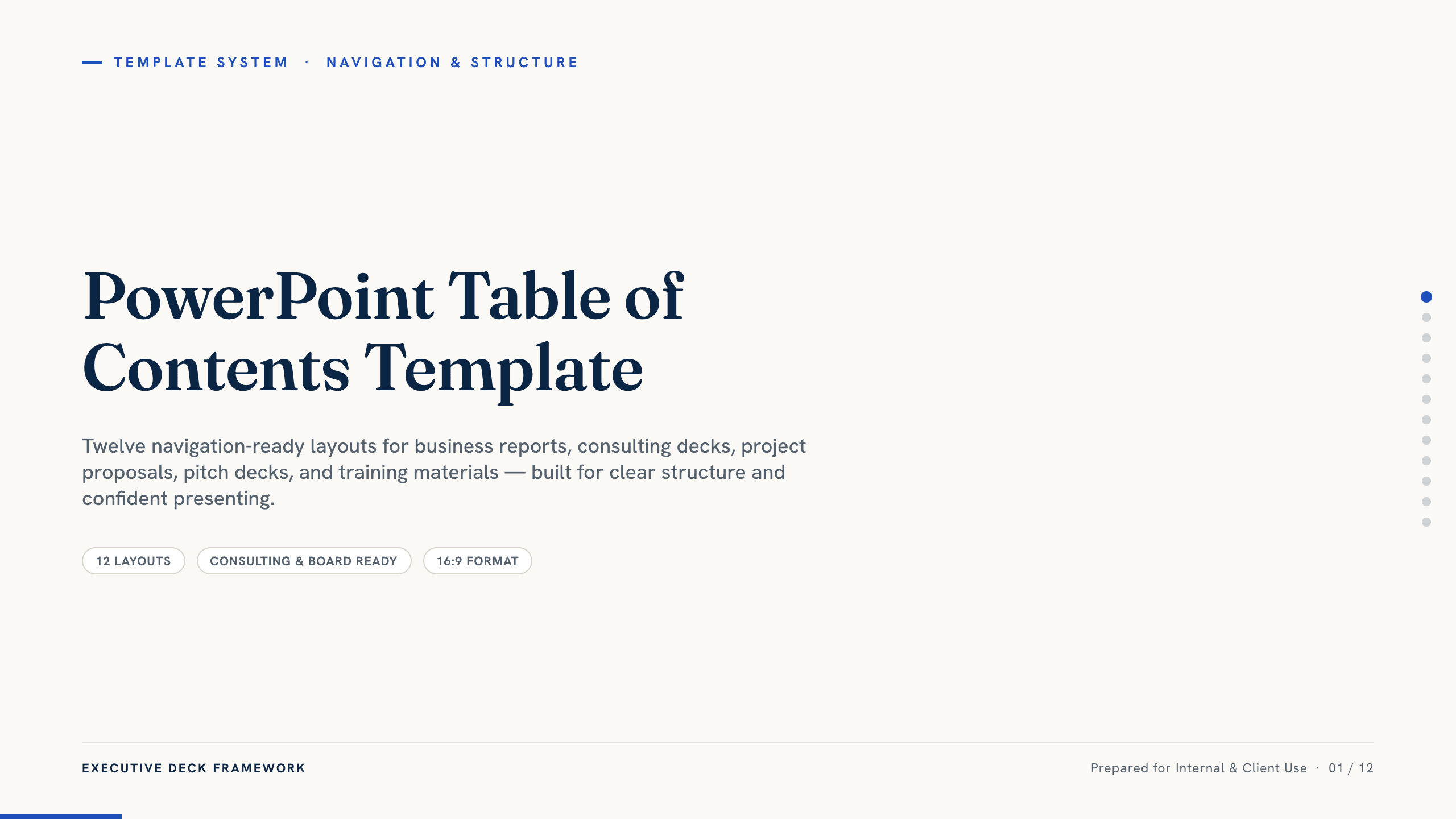
PowerPoint Table of Contents Template
Choose from 12 PowerPoint table-of-contents layouts for reports, proposals, consulting decks, training, projects, and presentations that need clear navigation.
View templateExplore other template hubs
Customize the 2 Key Point PowerPoint Template with Julius AI
1
Preview the complete example
Inspect all 10 slides to understand the narrative, layouts, and level of detail before replacing the example content.
2
Add your content and direction
Give Julius AI your source material, evidence, audience, constraints, and desired outcome.
3
Review and export
Check the narrative, facts, and design, then export an editable version to PowerPoint for final delivery.