Comparison Slide Template for Clear Side-by-Side Analysis
Make a defensible choice with 10 comparison slides for requirements, capabilities, pricing, implementation, trade-offs, scoring, and recommendation.
Preview the 10-slide Comparison Slide Template
Inspect the worked CRM selection, from decision criteria and capability matrix through operating trade-offs, safeguards, and final recommendation.
What you're getting
A comparison deck that leads to a defensible choice
This 10-slide template establishes the decision before comparing options. It covers requirements, criteria, capabilities, cost, operating implications, strengths, limitations, weighted scoring, and a recommendation with conditions.
The CRM example shows how to distinguish viable options without forcing a false winner. Replace the vendors and weights with your own evidence, and document where estimates or stakeholder judgments influence the result.
- Included
- 10 comparison slides
- Best for
- Vendor and option selection
- Export
- PowerPoint or Google Slides
Built for
Procurement teams comparing vendors
Buyers creating a transparent record of requirements, evidence, commercial terms, and evaluation logic.
Product leaders choosing an approach
Teams weighing build, buy, partner, platform, or roadmap options against the same outcomes.
Executives approving a recommendation
Decision-makers who need the trade-offs, uncertainty, safeguards, and cost of delay in one story.
Getting started
Compare every option against the same decision
Agree on outcomes and criteria before scores are visible so preferences do not quietly rewrite the framework.
- 1
State the decision
Name the choice, decision owner, deadline, constraints, and non-negotiable outcomes.
- 2
Define and weight criteria
Separate required capabilities from preferences and agree on how much each criterion matters.
- 3
Gather comparable evidence
Use demonstrations, references, pricing, tests, and written assumptions rather than vendor claims alone.
- 4
Explain the trade-offs
Show operating consequences, implementation risk, switching cost, and uncertainty alongside the score.
- 5
Recommend with conditions
Name the preferred option, required safeguards, negotiation points, and next approval step.
Explore more
Related templates worth comparing
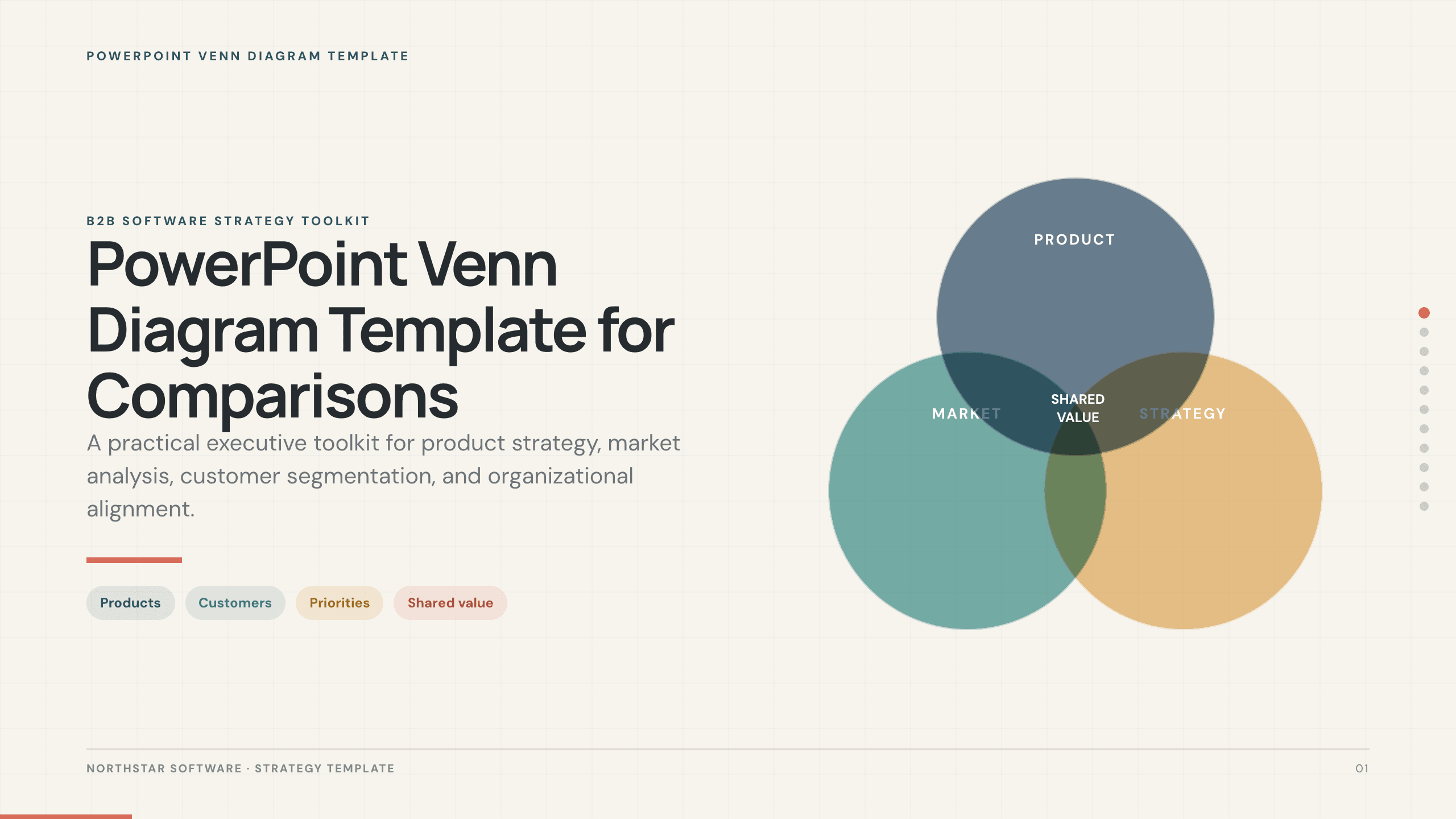
PowerPoint Venn Diagram Template
Use 11 PowerPoint Venn diagram slides to compare markets, products, audiences, capabilities, responsibilities, and strategic intersections.
View template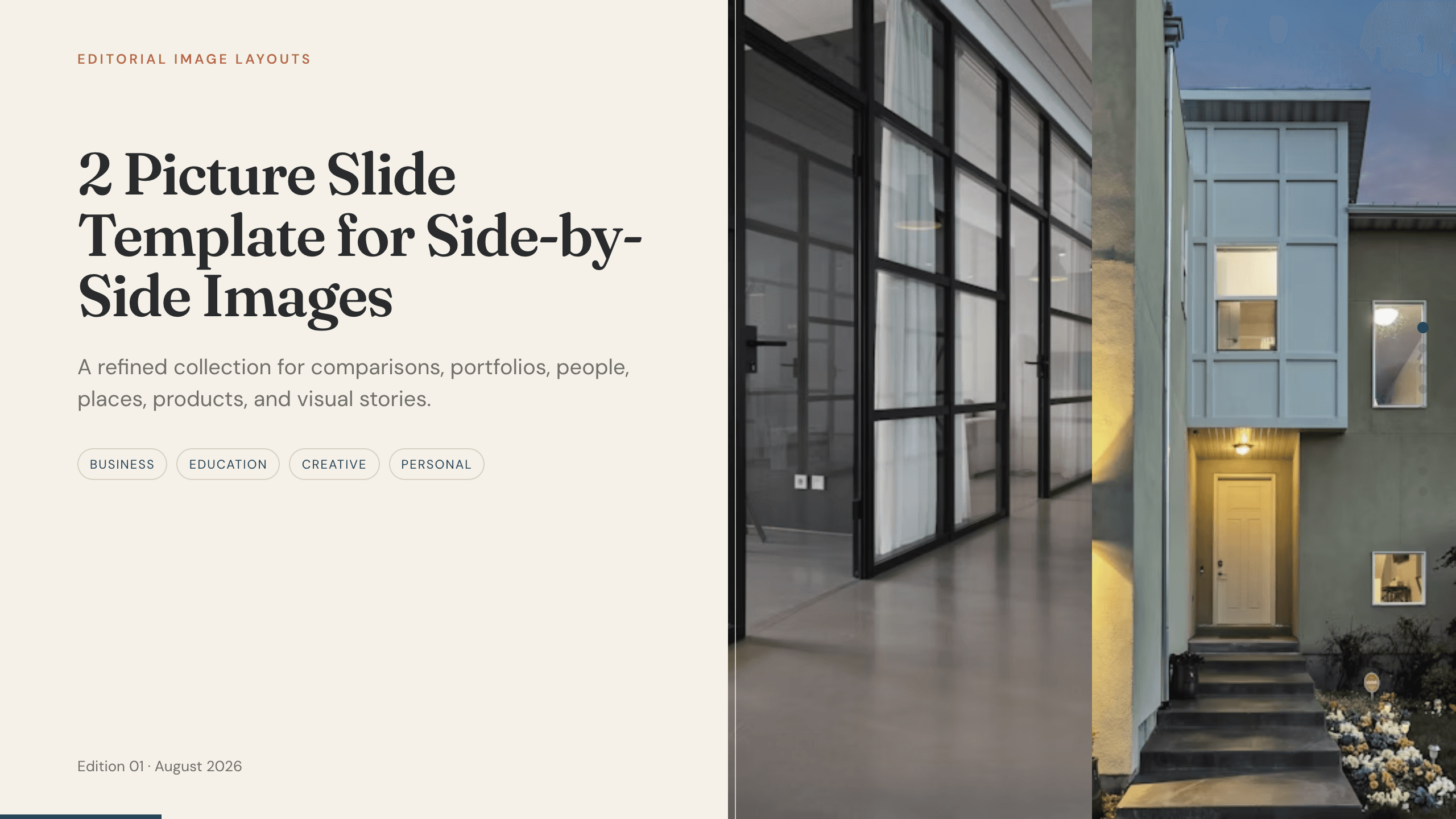
2 Picture Slide Template
Use nine two-picture slide layouts for clear before-and-after, option, person, place, product, portfolio, and process comparisons with minimal supporting copy.
View template
2 Key Point PowerPoint Template
Present two essential ideas with 10 PowerPoint layouts for priorities, paths, comparisons, risks, findings, scenarios, decisions, and executive recommendations.
View template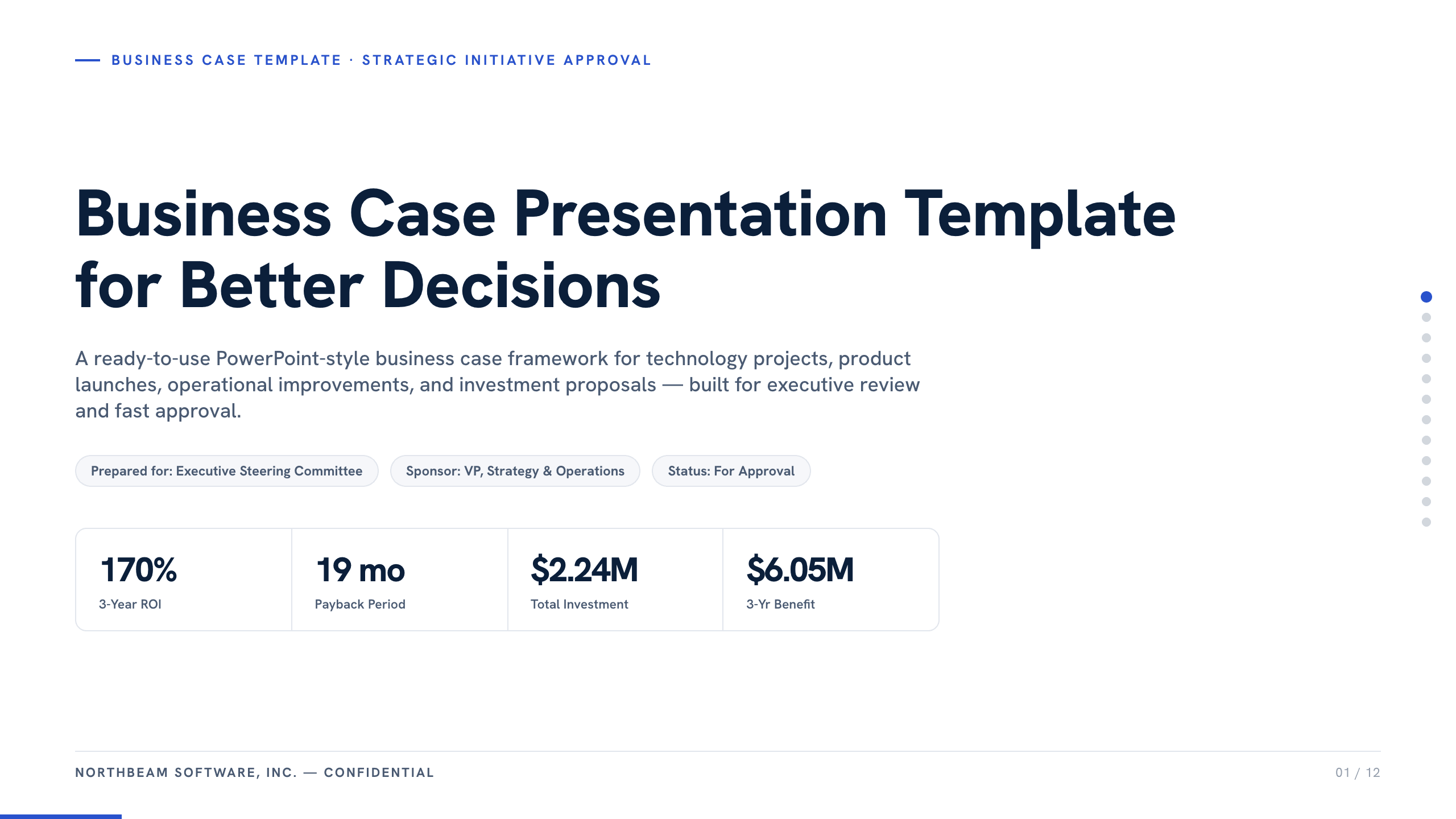
Business Case Presentation Template
Build the case for an investment with a worked 12-slide sequence covering the current-state problem, options, economics, delivery risk, resources, KPIs, and approval ask.
View template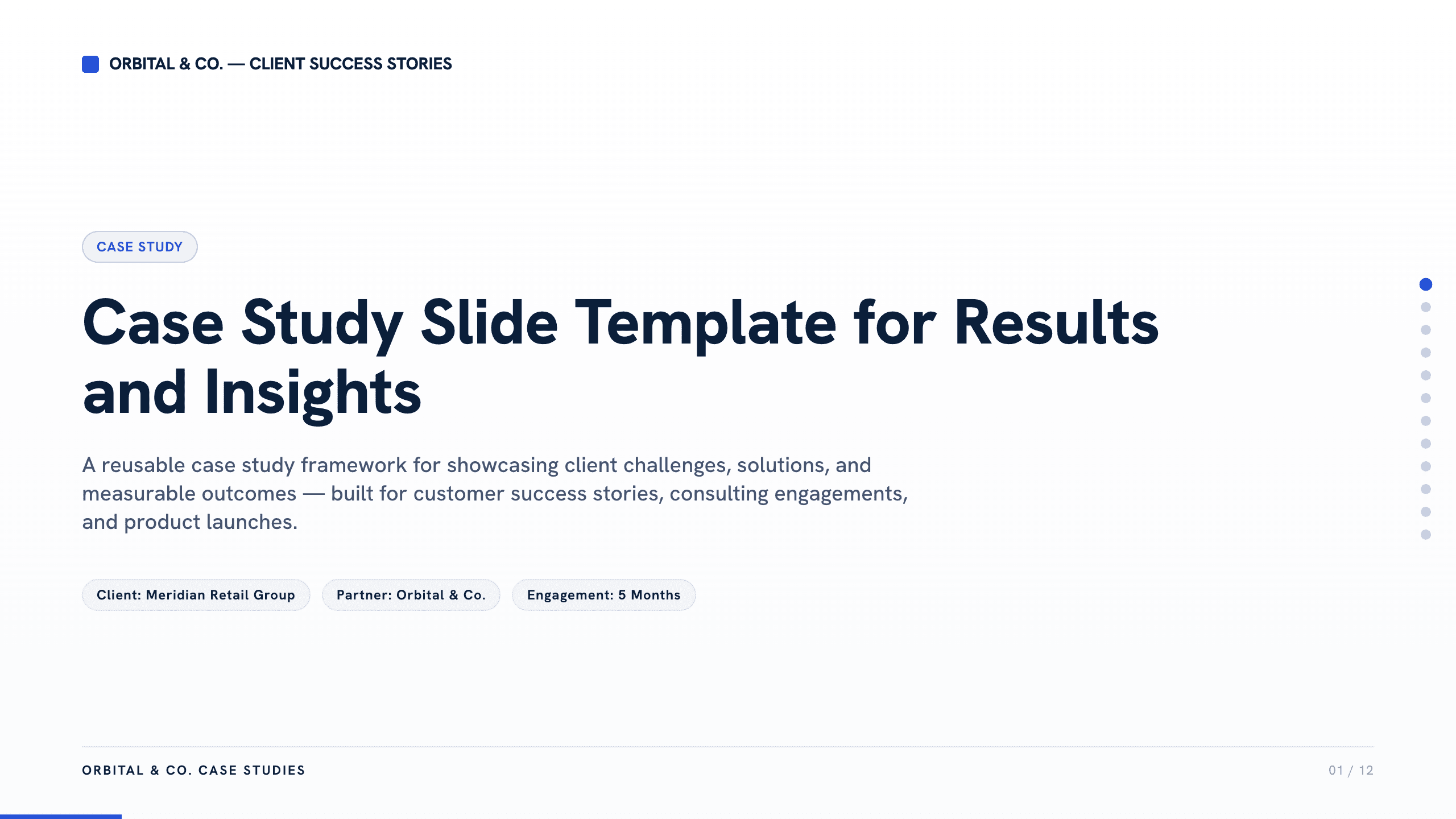
Case Study Slide Template
Tell a credible client or project story with 11 slides connecting the starting challenge, discovery, solution, rollout, measurable results, and lessons learned.
View template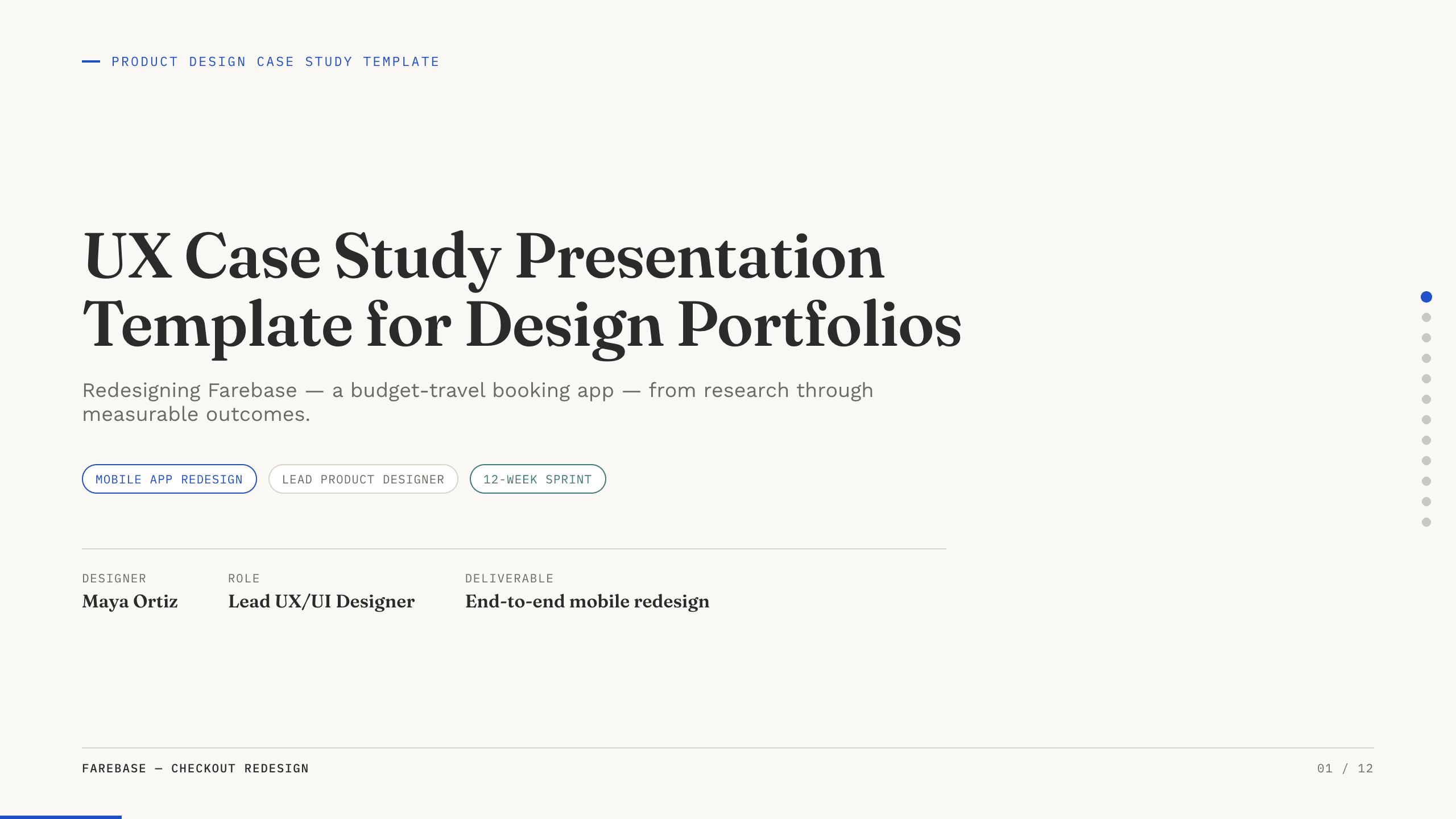
UX Case Study Presentation Template
Build a 12-slide UX case study covering product context, user problem, research, journey, insight, iterations, testing, outcome, and reflection.
View templateExplore other template hubs
Customize the Comparison Slide Template with Julius AI
1
Preview the complete example
Inspect all 10 slides to understand the narrative, layouts, and level of detail before replacing the example content.
2
Add your content and direction
Give Julius AI your source material, evidence, audience, constraints, and desired outcome.
3
Review and export
Check the narrative, facts, and design, then export an editable version to PowerPoint or Google Slides for final delivery.